

Poggy Multijob
See it on our store: poggy.app/store/poggy-multijob Let your players hold more than one job. Up to five jobs…
Price
Free
Shows every player's live position on the map for admins, with server ID and character name, toggled with one command.
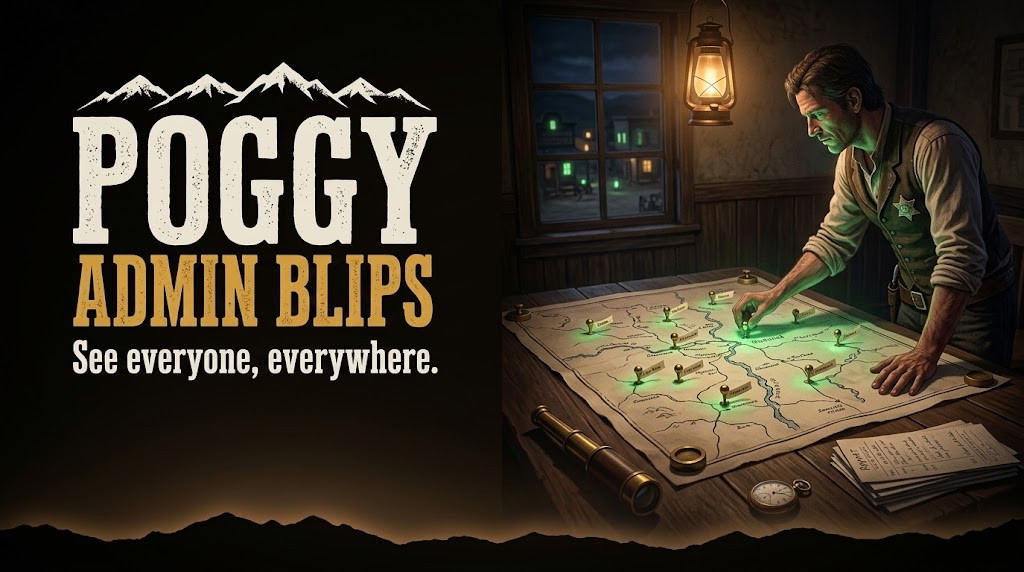
Poggy's Admin Blips is a lightweight RedM resource that allows server administrators to see all player locations on the map in real-time. Perfect for monitoring player activity, responding to reports, or just keeping an eye on your server.
/ahb commandCommand
Description
/ahb
Toggle admin blips on/off (admin only)
poggy_admin_blips folder in your server's resources directoryensure poggy_admin_blips to your server.cfg
config.lua to your preferencesAll configuration is done in a single config.lua file:
Config = {}

-- Debug: Set to true to enable debug logging
Config.DEBUG = false

-- Update interval (milliseconds)
Config.UPDATE_INTERVAL = 500

-- Admin groups that can see blips
Config.ADMIN_GROUPS = {
    "admin",
    "superadmin"
}

-- Whitelist (leave empty to use ADMIN_GROUPS)
Config.ALLOWED_NAMES = {
    -- "PlayerName1",
    -- "PlayerName2"
}

-- Blip appearance
Config.BLIP_STYLE = "BLIP_STYLE_ENEMY"
Config.BLIP_SPRITE = "blip_ambient_companion"
Config.BLIP_MODIFIER = "BLIP_MODIFIER_DEBUG_GREEN"

-- Blip name format
Config.BLIP_NAME_FORMAT = "{id} | {name}"

-- Hide your own blip
Config.HIDE_OWN_BLIP = true
Anyone named in Config.ALLOWED_NAMES, or, when that list is empty, members of the admin groups in Config.ADMIN_GROUPS (admin and superadmin by default), read through poggy_core so the same list works on VORP Core, RSG Core and QBCore RedM. Admins toggle the blips with /ahb.
The update interval is configurable and defaults to 500 ms. Blip style, sprite, colour and name format are all in config.lua.
Download the release from GitHub, put the poggy_admin_blips folder in your resources directory, add ensure poggy_admin_blips to server.cfg, edit config.lua and restart.
Admin Blips works with VORP Core, RSG Core and QBCore RedM through poggy_core, which detects the framework at runtime and has a proven adapter for each, so there is one build and nothing to configure. It requires poggy_core (free) and your framework (VORP Core, RSG Core or QBCore RedM).
It is free. Add it to your basket, check out through Tebex at no charge, and download it from your Tebex account. Support is in the Poggy Discord.
See it on our store: poggy.app/store/poggy-multijob Let your players hold more than one job. Up to five jobs…
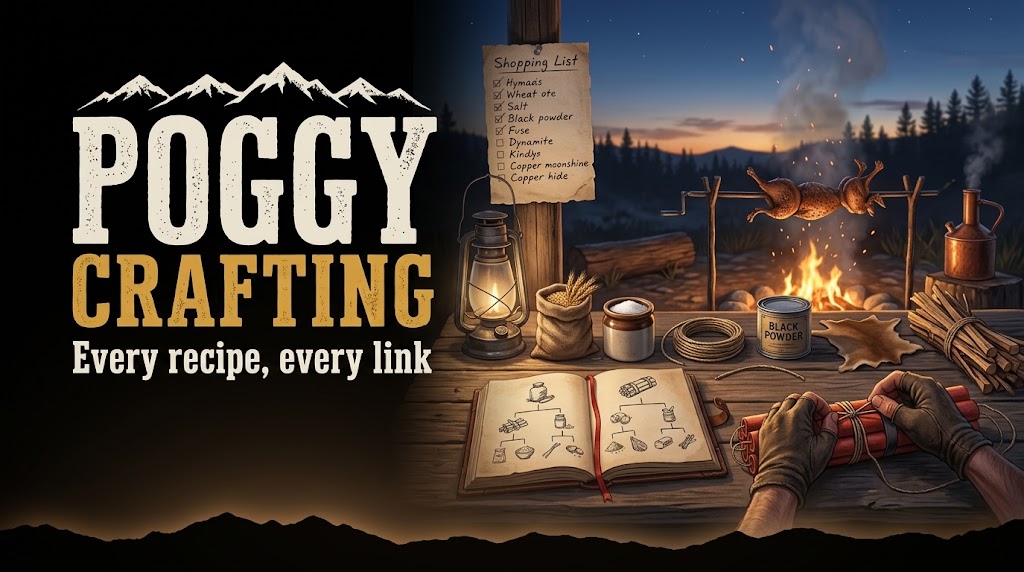
See it on our store: poggy.app/store/poggy-crafting A free, open-source crafting system with a recipe browser…
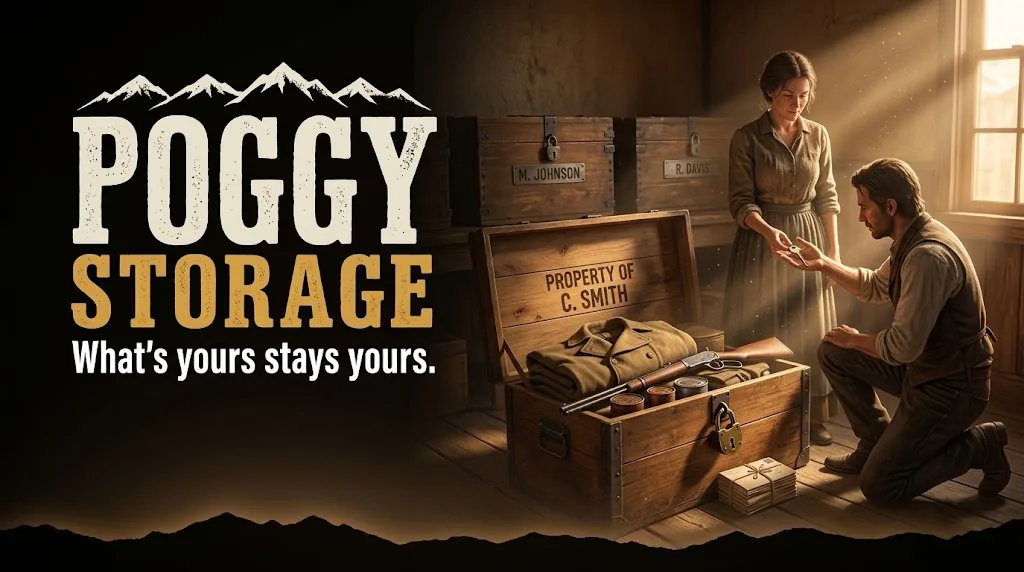
What's yours stays yours Player-owned storage for RedM. Your players create a container, keep their gear in…