
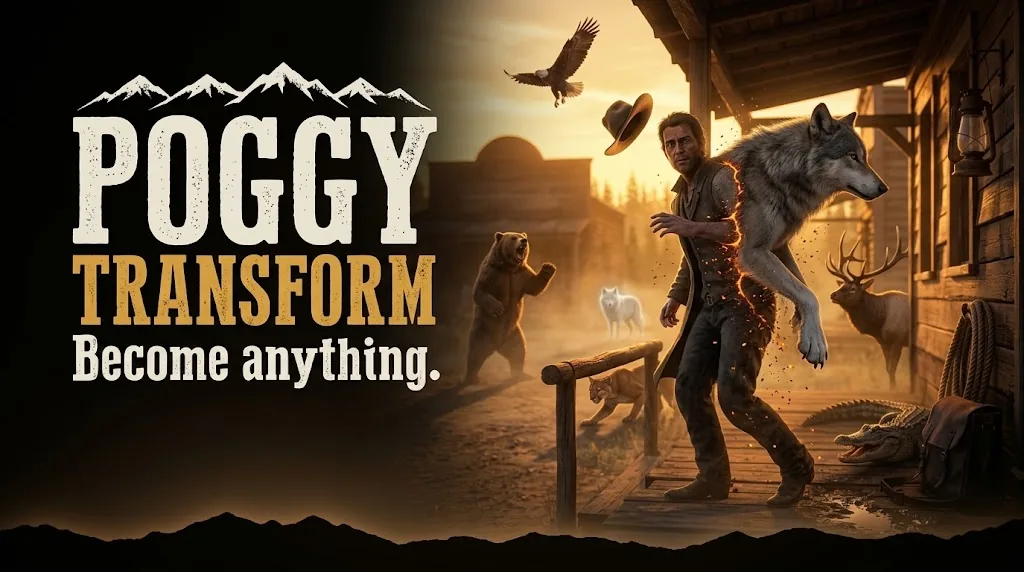
Poggy Transform
Become anything Ninety transformables ship in the box — wolves, bears, cougars, deer, birds, gators…
Price
$9.99
Job-locked 3D badge props with a live position editor, saved presets, 21 badge images and a pocket-watch show animation for law and medical roles.
VIDEO PREVIEW
https://www.youtube.com/watch?v=hZqU5jYAUq8
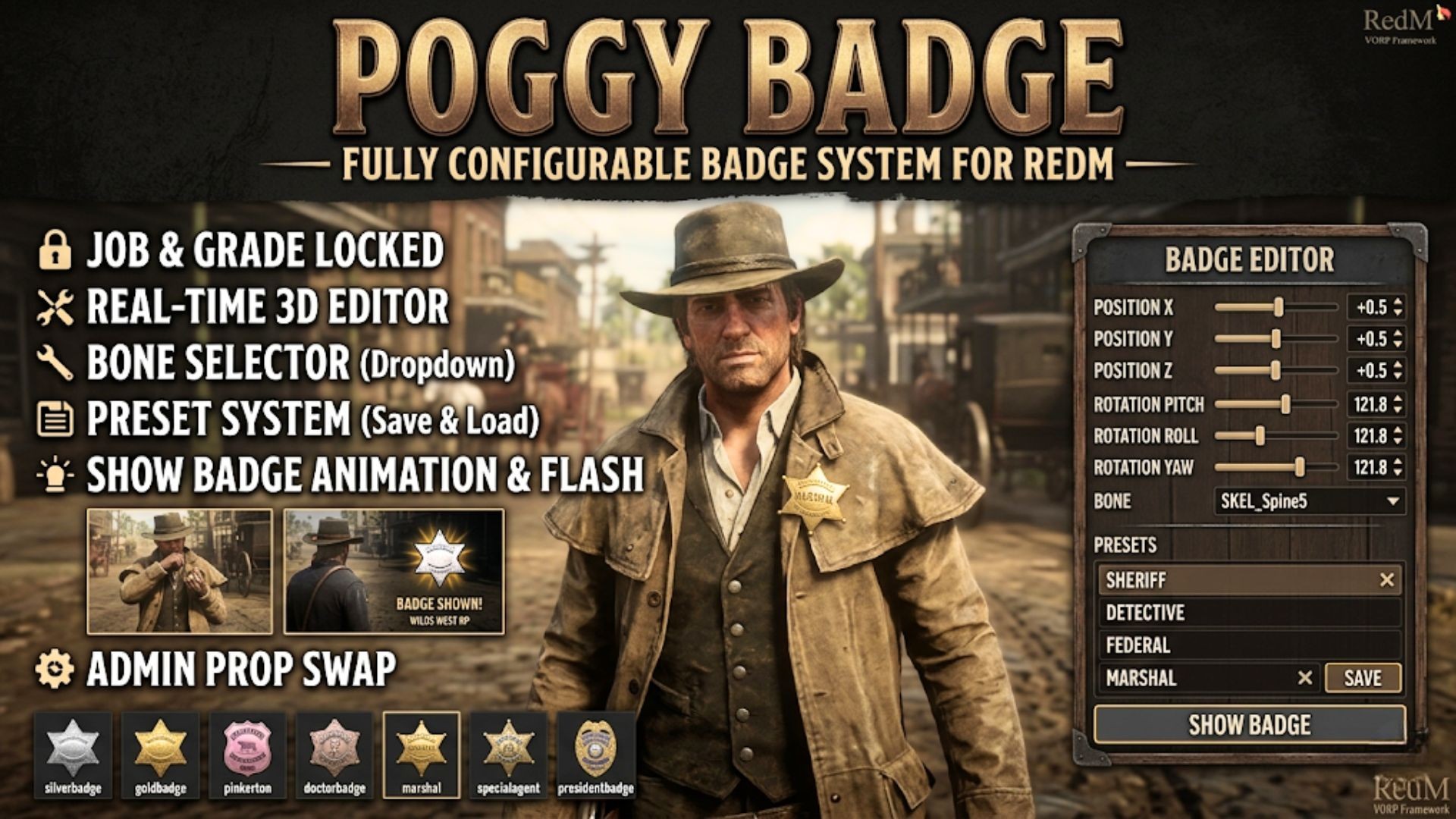
Let your law enforcement, marshals, and medical staff wear their rank. Poggy Badge gives qualified players a 3D badge prop pinned to their character that they can fine-tune with a live editor, save as presets, and flash to nearby players with a pocket-watch-style hold animation. Every job, grade, prop, and bone attachment point is configurable — and it works across VORP, RSG, QBCore, and RedemRP via poggy_util.
Job & Grade Locking — Define which jobs and grades can wear a badge. Each grade maps to its own badge image and prop model, so a Deputy and a Sheriff can carry different ranks on the same job.
Real-Time 3D Editor — Open the NUI panel and drag sliders for X/Y/Z position (0.001 precision) and Pitch/Roll/Yaw rotation (0.25° steps). The prop moves on your character instantly — no relogging, no guessing.
7 Bone Attachment Points — Choose from Collar, Upper Chest, Mid Chest, Lower Chest, Stomach, Waist, or Pelvis. Each player picks the bone that looks best on their outfit.
Preset System — Save named configurations per character to the database. Load or delete them any time. Switch outfits, load a different preset, done.
Show Badge Animation — Press the Show button and your character pulls out a pocket watch emote, holds the badge up for nearby players, then puts it away. Nearby players see the badge image, your name, and the server name in a styled slide-in display.
21 Included Badge Images — Silver, Bronze, and Gold variants for Sheriff, Detective, Marshal, and Police — plus Federal, Pinkerton, Cavalry, Doctor, Special Agent, and President badges. Drop in your own PNGs to add more.
Per-Prefix Rotation Overrides — Props that start with a specific prefix (e.g. kh_) can have their own default rotation, so custom model packs sit correctly out of the box.
Camera Orbit — Hold right-click outside the panel to orbit your camera while editing. Release to snap back. No separate freecam resource needed.
Admin Prop Override — Staff with command ACE can run /bprop <model> to test any prop on the fly without changing config.
Multi-Framework Support — Uses poggy_util to detect your framework automatically. VORP, RSG Core, QBCore, RedemRP, and Standalone all work with the same build.
Western-Themed UI — Dark panel with EB Garamond serif typography, gold slider accents, and a clean layout that fits the RDR aesthetic.
Fully Open Config — Jobs, grades, bones, offsets, rotations, animation duration, display duration, server name, prefix rules — all in one config.lua, never escrowed.
poggy_util — framework bridge (VORP / RSG / QBCore / RedemRP / Standalone)
Everything is controlled through config.lua:
Badge Sets — Each set lists one or more job names and a grade-to-badge mapping. Add a new department in seconds.
Bone & Offset Defaults — Set the starting bone, position, and rotation for new players. Per-prefix rotation overrides let custom props sit correctly without player adjustment.
Animation & Display Timing — Control how long the badge is held up and how long nearby players see the flash.
Show Distance — Set the radius (in game units) for badge flash visibility.
Server Branding — Your server name appears on the badge flash display automatically.
/badge | Job-locked | Opens the badge editor (toggle) |
/bprop <model> | Admin (ACE command) | Swap badge prop to any model for testing |
Real-time editor with position, rotation, bone selector, and preset management.
Nearby players see the badge, name, and server branding when you flash your badge.
Whichever jobs and grades you define in config.lua. Each grade maps to its own badge image and prop model, so a Deputy and a Sheriff carry different ranks on the same job.
A real-time NUI editor with sliders for X, Y and Z position at 0.001 precision and pitch, roll and yaw in 0.25° steps, with seven bone attachment points from collar to pelvis. Configurations save as named presets per character.
The character pulls out a pocket watch, holds the badge up for nearby players, then puts it away. Nearby players see the badge image, the player's name and your server name in a slide-in display.
21 images: silver, bronze and gold variants for Sheriff, Detective, Marshal and Police, plus Federal, Pinkerton, Cavalry, Doctor, Special Agent and President. Drop in your own PNGs to add more.
Poggy Badges works with VORP Core, RSG Core and QBCore RedM through poggy_core, which detects the framework at runtime and has a proven adapter for each, so there is one build and nothing to configure. It requires poggy_core (free) and oxmysql.
Instantly. Checkout runs through Tebex, which asks you to sign in with your Cfx.re account before items can be added to the basket, and the licence is tied to that Cfx.re account rather than a key to paste.
Yes. It runs on Poggy, a live RedM server, and updates are included with every licence. Support is in the Poggy Discord.
Become anything Ninety transformables ship in the box — wolves, bears, cougars, deer, birds, gators…
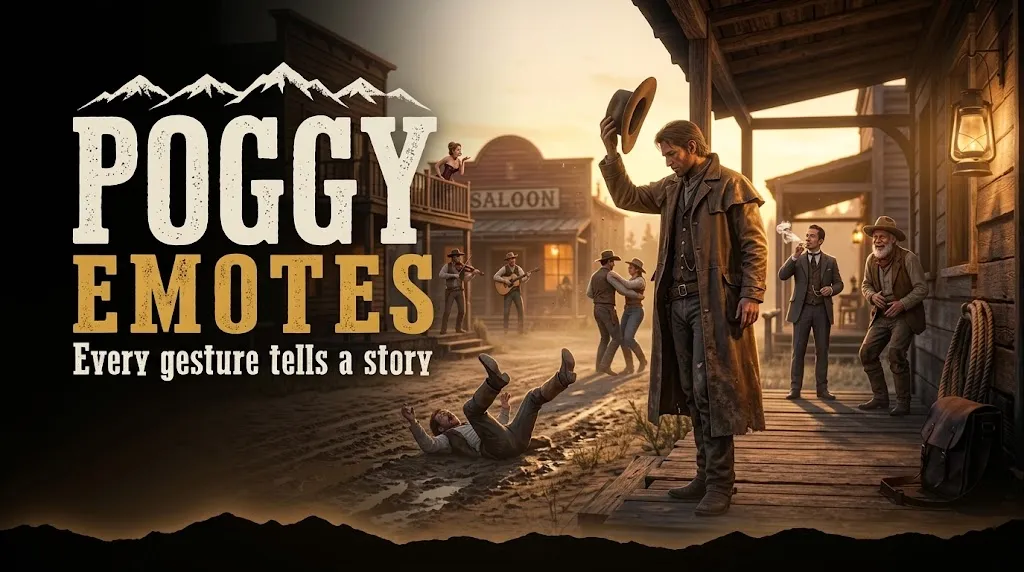
See it on our store: poggy.app/store/poggy-emotes An emote menu with over 330 emotes, a search that looks…

Inject thrill and fortune into every corner of your RedM world! With POGGY’S SUPPLY DROPS & SCAVENGER HUNTS…